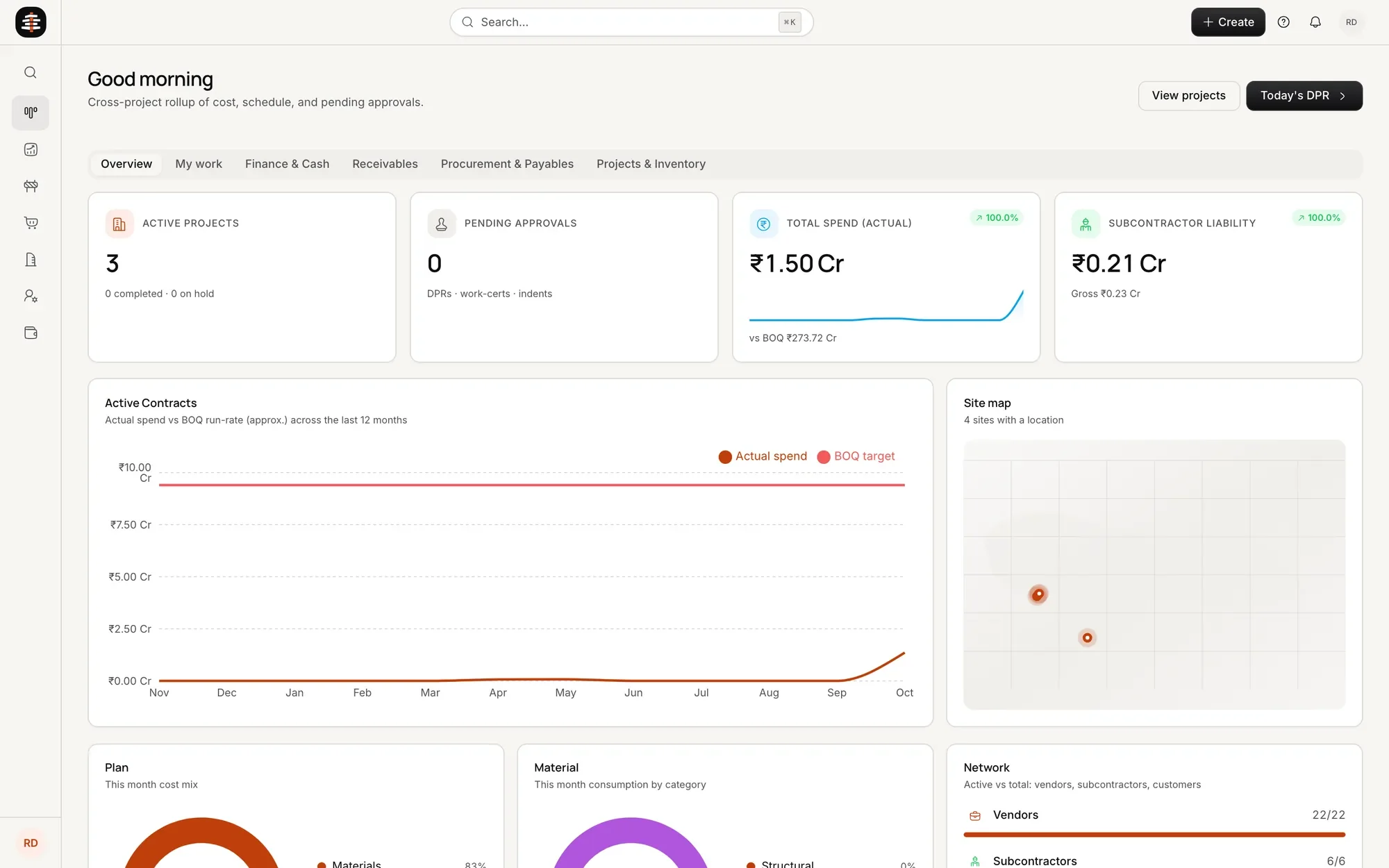
Everything a project needs, on one record.

Nine connected modules take a project from the floor plan to the final cost, and AI agents do the tasks inside them. Your site teams use their phones, your office uses the desktop, and everyone sees the same numbers.

The owner's command centre in ShellKore, with every project's progress and money

From the floor plan to the final cost.

Each module is a stage of the project. Each one has an agent doing the legwork, and a person making the call.

01

Clients and CRM

Set the firm up once: team, rate library and vendors. Enquiries from WhatsApp, calls and your website land in one CRM, and the brief, budget and site details travel with the client into the project.

  • Enquiries from every channel in one place
  • WhatsApp and SMS updates to clients
  • Site visits and follow-ups
  • Won clients become projects
Helped byVora, sales expert

A miniature front office with a reception desk, a telephone and a calendar board

02

Projects and teams

Each project starts with its client, site, dates and budget. Bring in the architect, interior designer, site manager and vendors, and each person sees only the part that is theirs.

  • Project set-up in a few steps
  • Team roles and permissions
  • Every call and message on the project
  • Owners see every project at once
Helped byNarad, master communicator
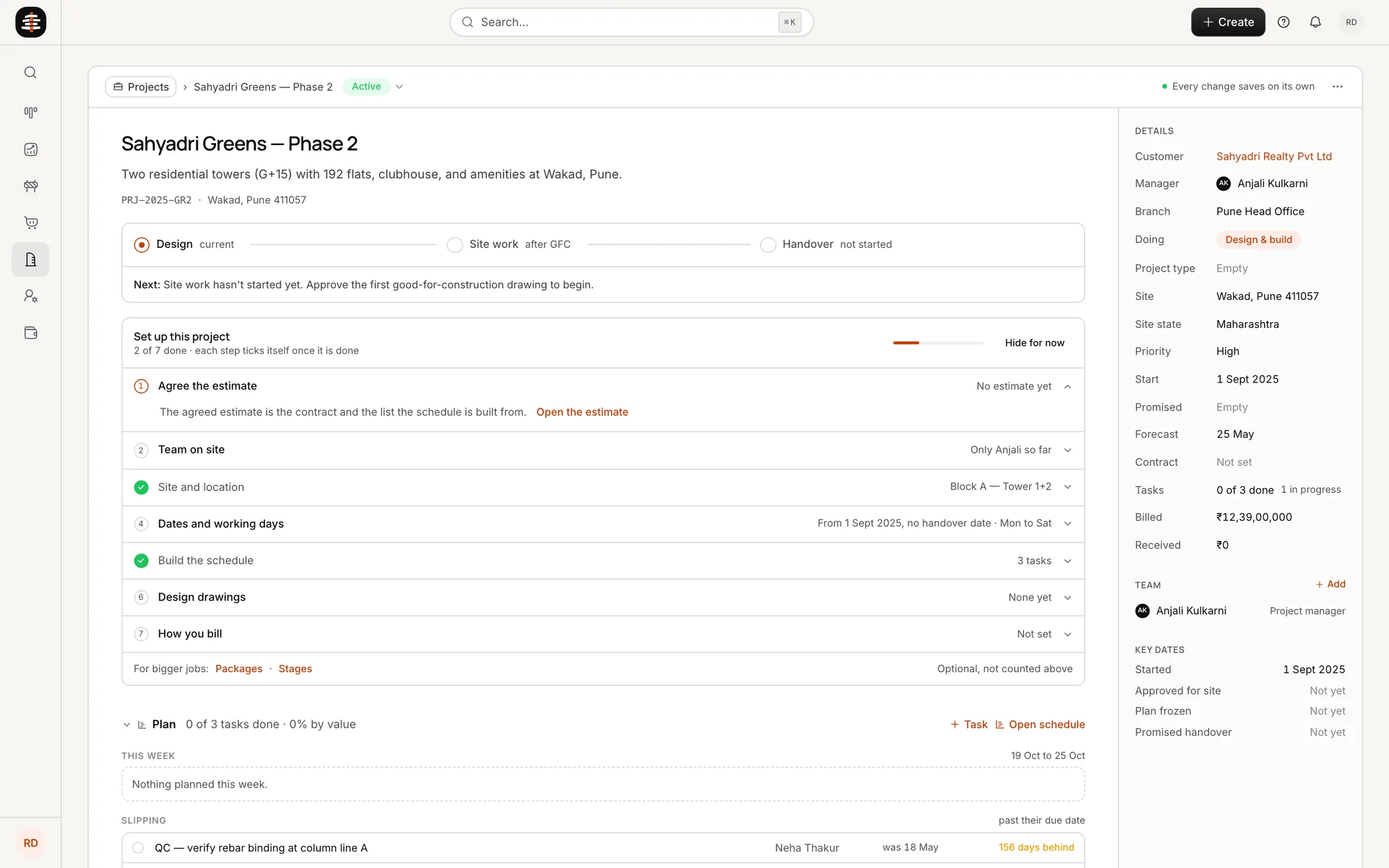
A project in ShellKore with its stage, set-up steps, team and plan

03

Floor plan to 3D, with MEP

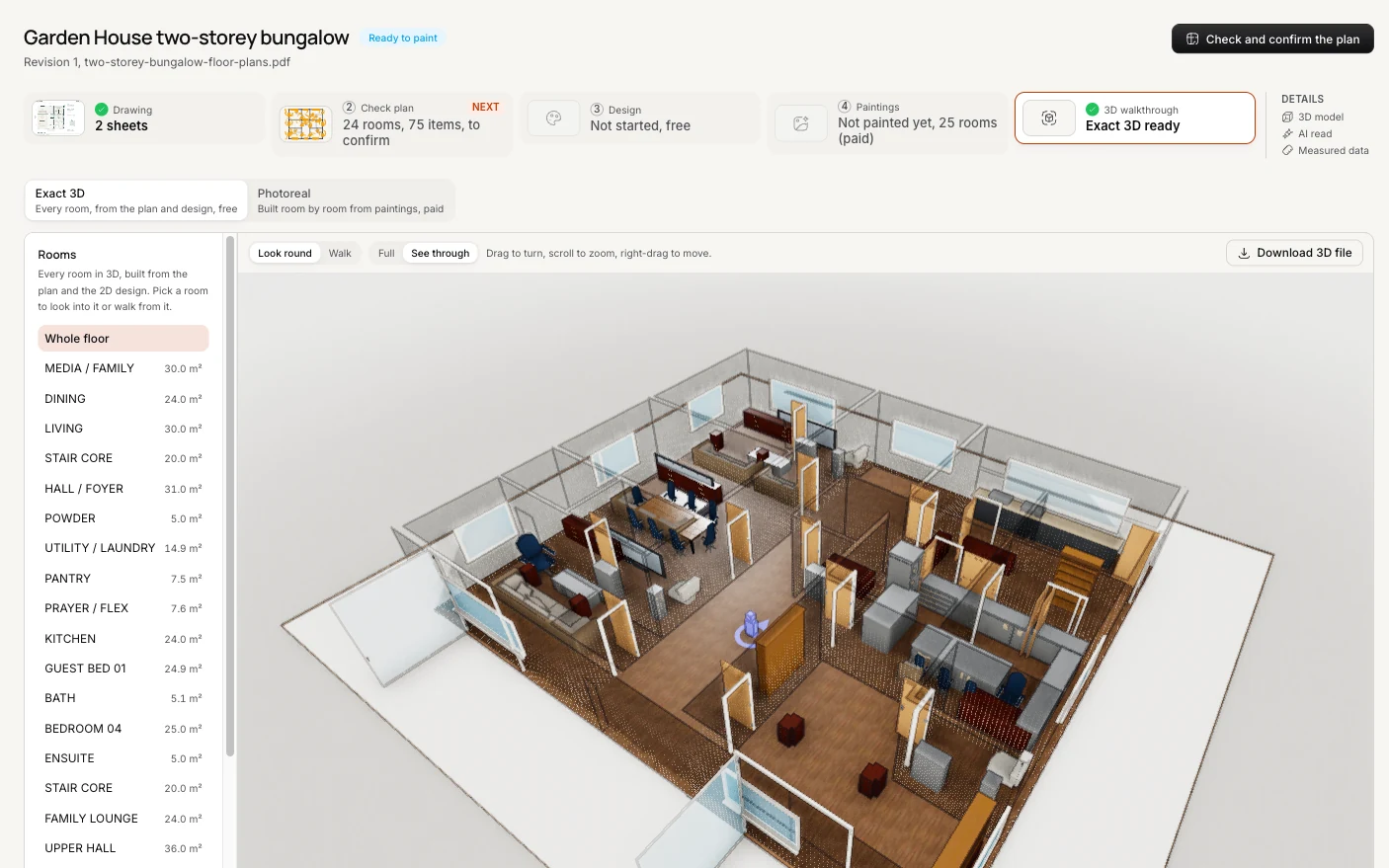
Upload the floor plan PDF and ShellKore builds a 3D model, room by room. Plumbing runs, the electrical layout and the distribution boards go on top, then furniture, and the client, architect and designer walk through the same model.

  • 3D model from the floor plan PDF
  • Plumbing and electrical layout
  • Furniture placed by room
  • Drawing versions and GFC release
Helped byVishwaKarma, master architect
A two-storey bungalow built in 3D from its floor plan PDF in ShellKore

04

Estimate, BOQ and BOM

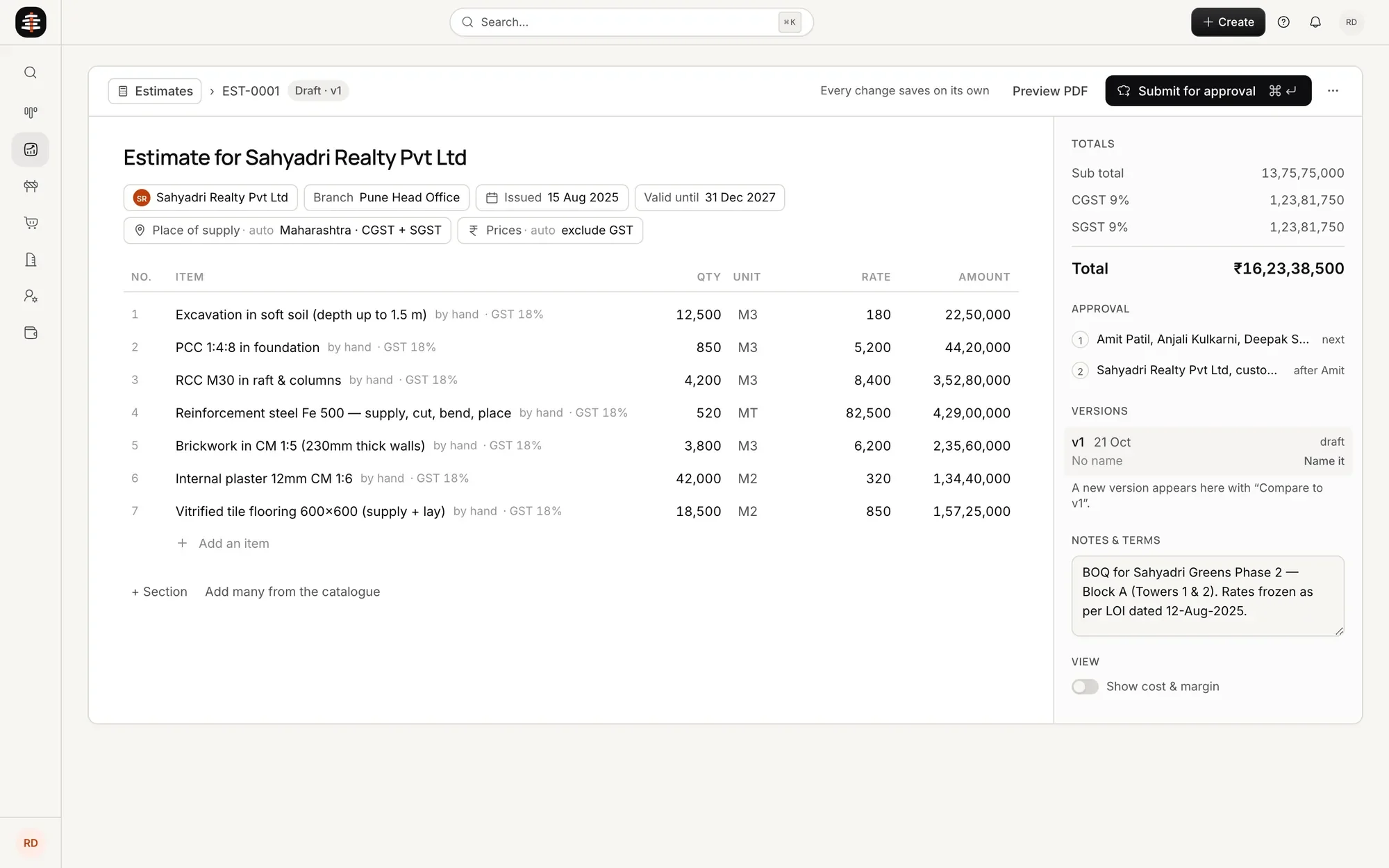
The first estimate comes from the model’s quantities and materials at your rates. Your estimator then builds the real BOQ item by item, and the bill of materials follows from it.

  • Quantities from the 3D model
  • Your rate library, your prices
  • Versioned BOQs with approvals
  • Bill of materials for purchase
Helped byVishwaKarma, master architect
An estimate in ShellKore with items, quantities, rates and totals

05

Gantt chart and schedule

Every task gets a start, a duration and an owner, drafted from the BOQ. The baseline is locked once, and when a task slips, the tasks after it move and the people on them know.

  • Tasks drafted from the BOQ
  • An owner and a date for every task
  • Baseline locked before work starts
  • Slips shown with a reason
Helped bySthapa, master project manager
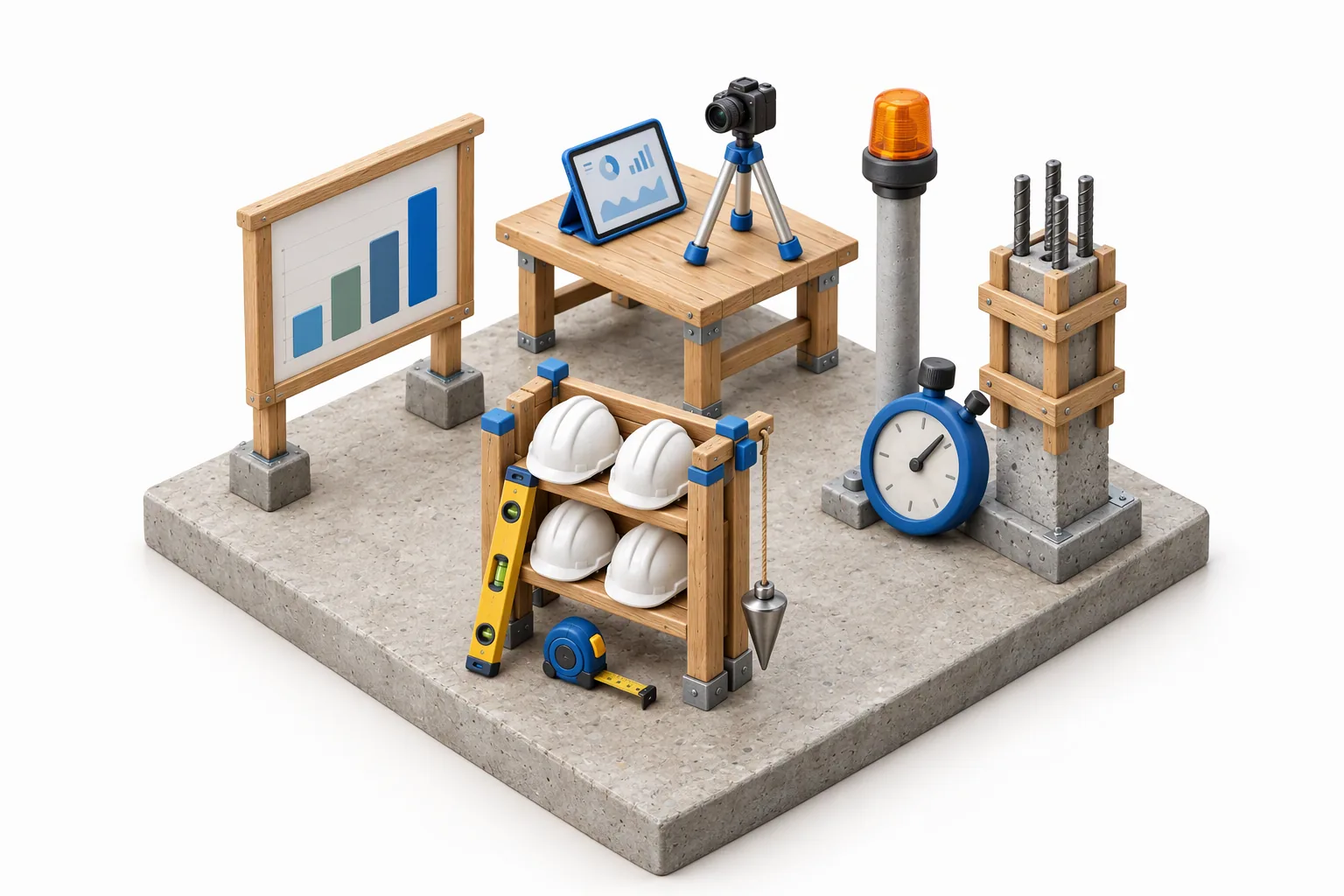
A miniature building site with a schedule board, a tablet and camera on a table and a rack of hard hats

06

Site and daily reports

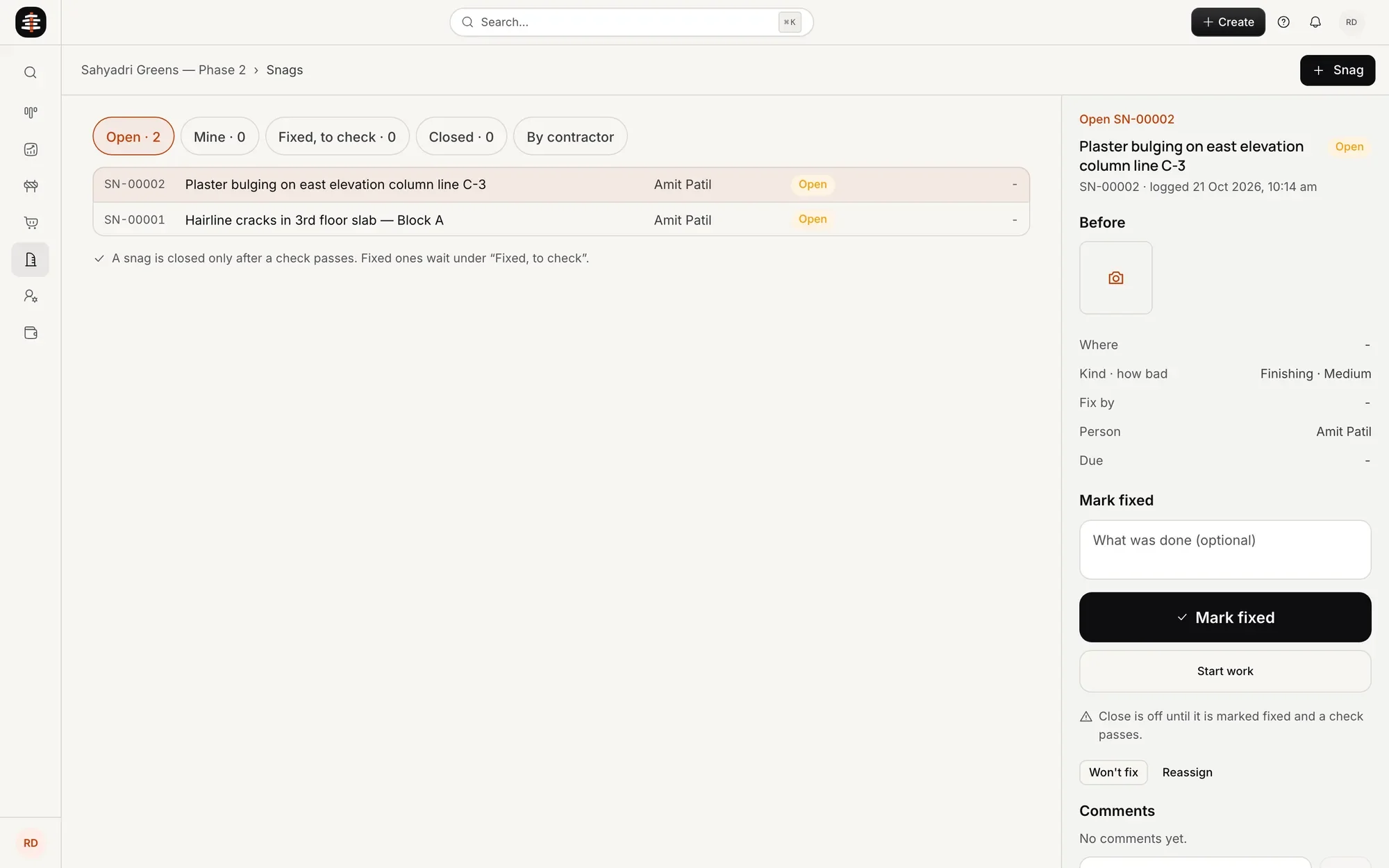
Site managers send the daily progress report on WhatsApp or from the site dashboard: work done, labour, material used and photos. Progress is measured by quantity against the plan, and snags and QC stay on record.

  • Daily reports on WhatsApp or the app
  • Progress by quantity, with photos
  • Snags and QC checks
  • Delays logged with a reason
Helped bySthapa, master project manager
The site screen in ShellKore

07

Procurement with your vendors

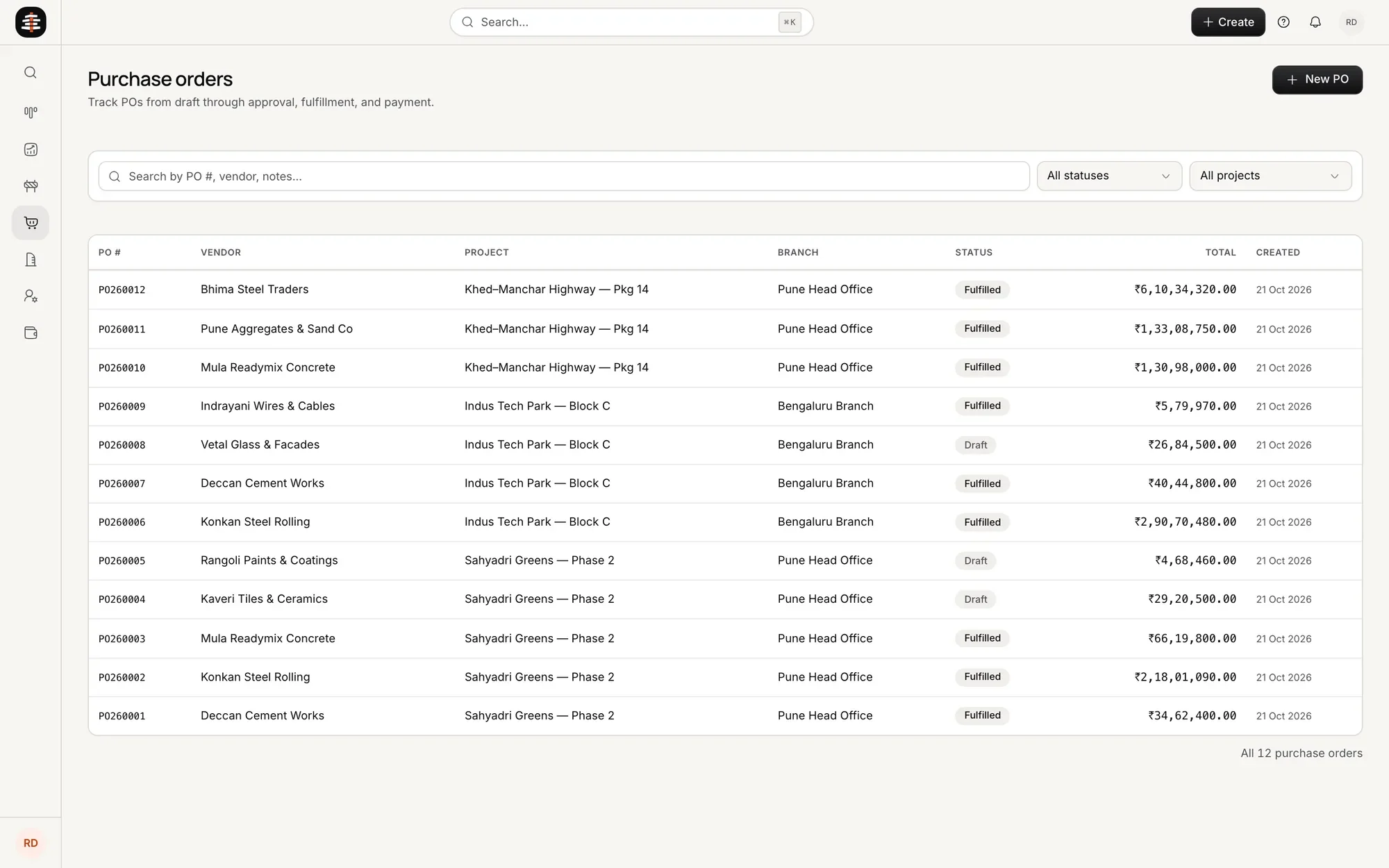
Material requests come from the BOM. Your own vendors quote, quotes are compared on delivered cost, POs go through approval, and every delivery is checked in against its order.

  • Requests from the BOM
  • Quotes from your own vendors
  • PO approvals and delivery records
  • Price variance against the estimate
Helped byMayan, procurement expert
The procurement screen in ShellKore

08

Billing and change orders

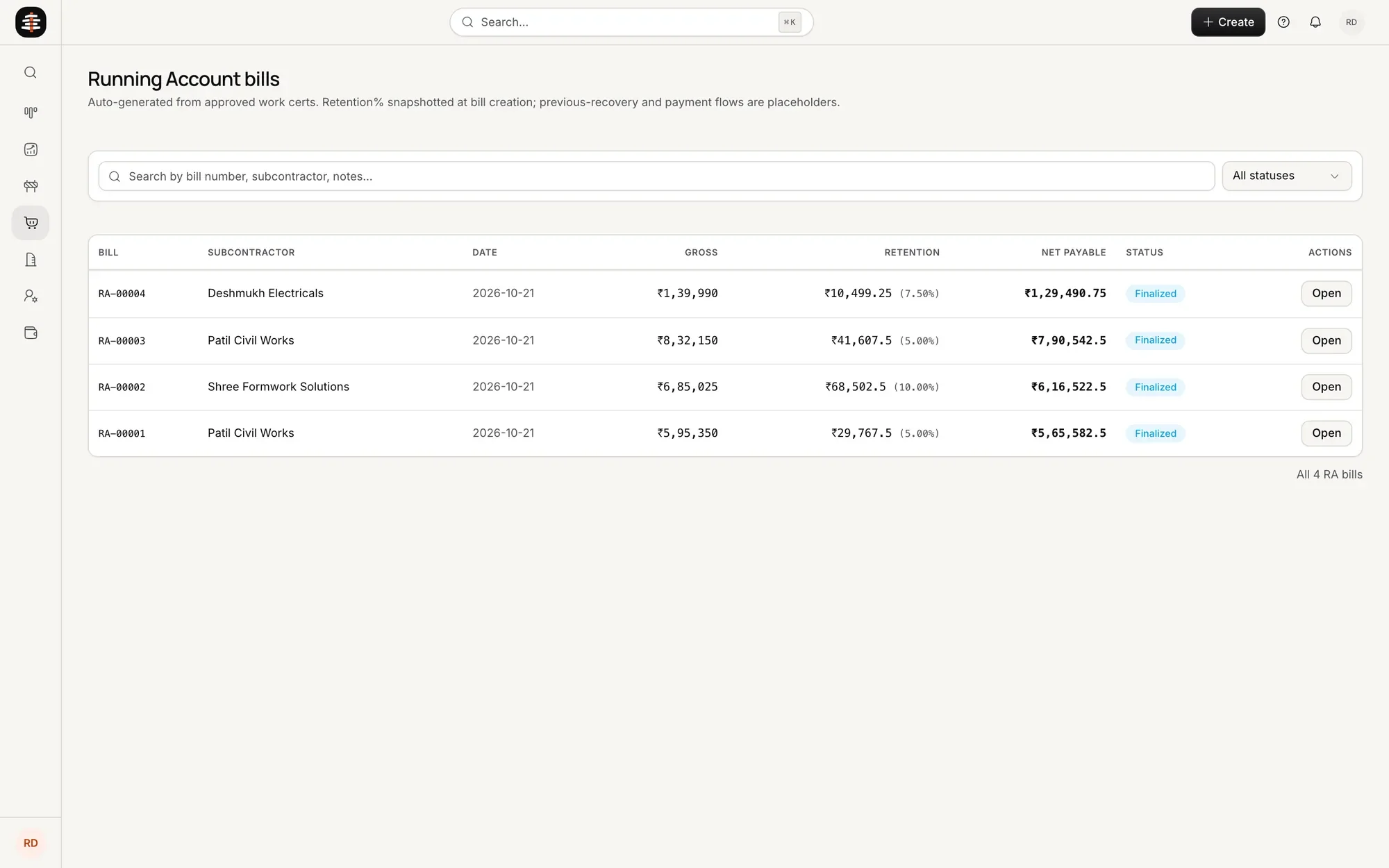
Client billing follows agreed milestones, and payments update the project the moment they arrive. Every change is priced, signed by the client and billed.

  • Milestone-based client billing
  • Vendor bills matched to deliveries
  • Change orders signed by the client
  • See what is built but not yet billed
Helped byChanakya, CFO
The bills screen in ShellKore

09

True project cost and P&L

Every bill, payment, delivery and labour day lands on the same record. You see what each project cost against its estimate, what it took and where it slipped, while it runs and when it closes.

  • Actual cost against estimate, item by item
  • Committed cost and change orders
  • Projected margin per project
  • Portfolio view for owners
Helped byChanakya, CFO
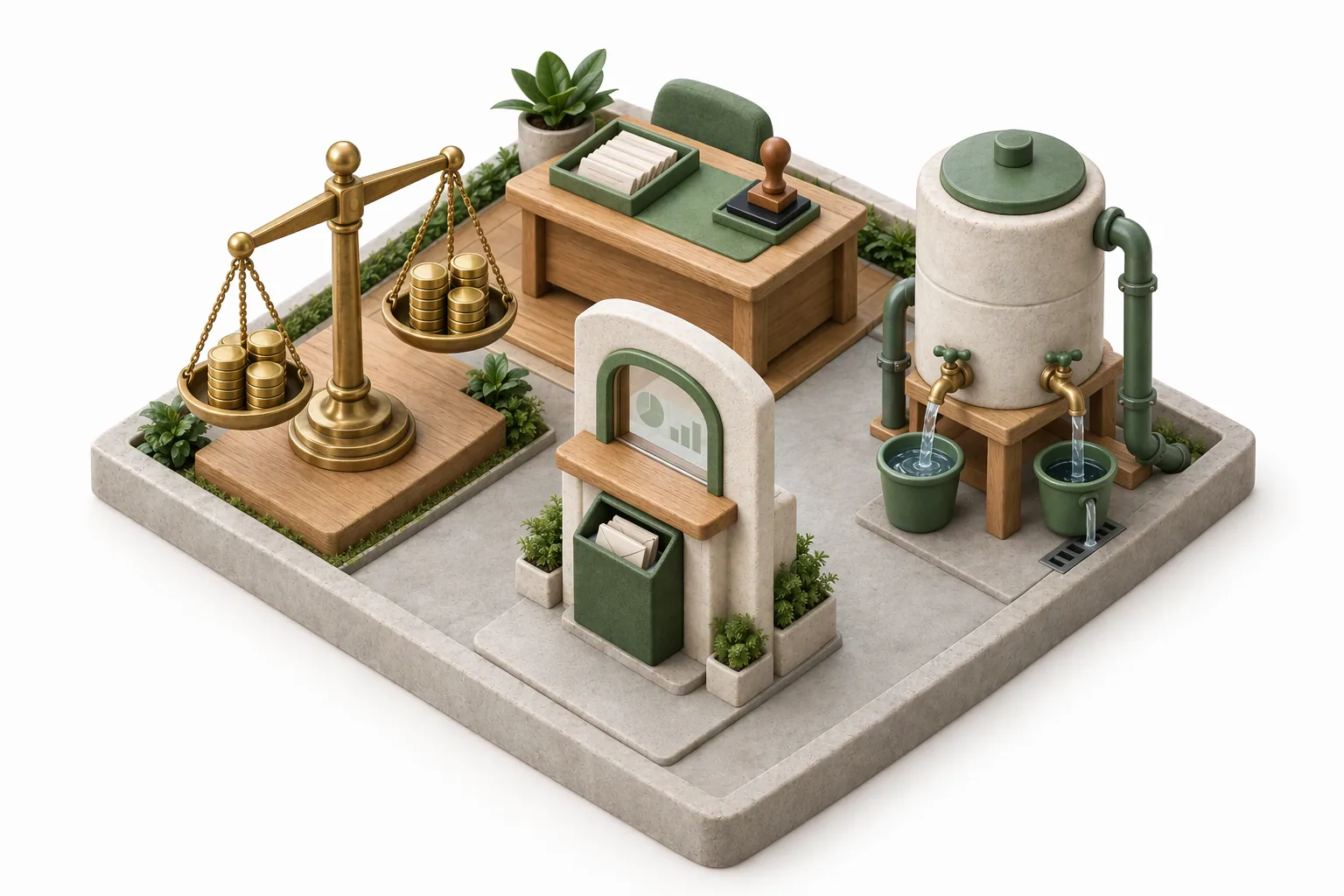
A miniature finance office with a balance scale of coins and a desk of bills

Take control of every project.

Approvals on record

Purchases, changes and payments follow a defined approval chain. Every decision is logged with who approved it and when.

Every site on one dashboard

Owners see progress, purchases and financial health across all active projects without calling each project manager.

Budget against actual, as it happens

Each purchase, bill and payment updates the project the moment it is recorded. Overruns show up while they are small.

Finance connected to the site

A delivery recorded on site flows into procurement, billing and the P&L. Nobody types it again.

Built for the people who run the project.

A construction company owner in a Nehru jacket, checking his phone

Owner

Know the health and margin of every project without waiting for month end.

Helped byChanakyaNarad

A project manager in a yellow hard hat holding a tablet

Project manager

See what is on plan, what is late, why, and what can run in parallel.

Helped bySthapaMayan

A site engineer in an orange hard hat and safety vest holding a phone

Site engineer

Get today’s tasks, record progress and photos, and flag what is blocking work.

Helped bySthapa

A finance manager in a maroon cardigan working on a laptop

Finance

Keep project accounts current without entering the same numbers twice.

Helped byChanakya

Margins are thin. Your software shouldn’t be.

See one of your own projects run from floor plan to final cost.